Local Test
On the Local Test page you can add and preview your app on your local system and share it with internal testers.
Local Test is for Development
The Local Test page is available only in the Development view.
Requirements for local testing
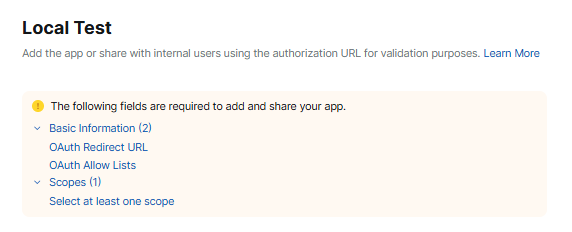
The wizard verifies if you have completed all requirements and displays a list of any fields you need to complete.
Preview app
Click Preview Your App Listing Page to see a summary of your app's details and a preview your app's listing page.
Add App
Click Add app now to authorize and add the app to your local Zoom client. User-managed apps are then displayed in the client in My apps.
Unlike user-managed apps, admin-managed apps are managed through the web portal and are hidden from the Zoom client.
Share App
To share your app with other users on your account during testing, go to the Authorization URL field, and select Generate and then Copy.