This section helps you quickly identify and resolve common issues that can arise while using the Zoom Virtual Agent bot.
The campaign has been configured, but it's not taking effect
You can perform the following actions:
- Check the network requests in the browser development mode.
- Find the
styleByApikeyinterface in the network request list. - Check if the request for the interface is correct and if a return value exists.
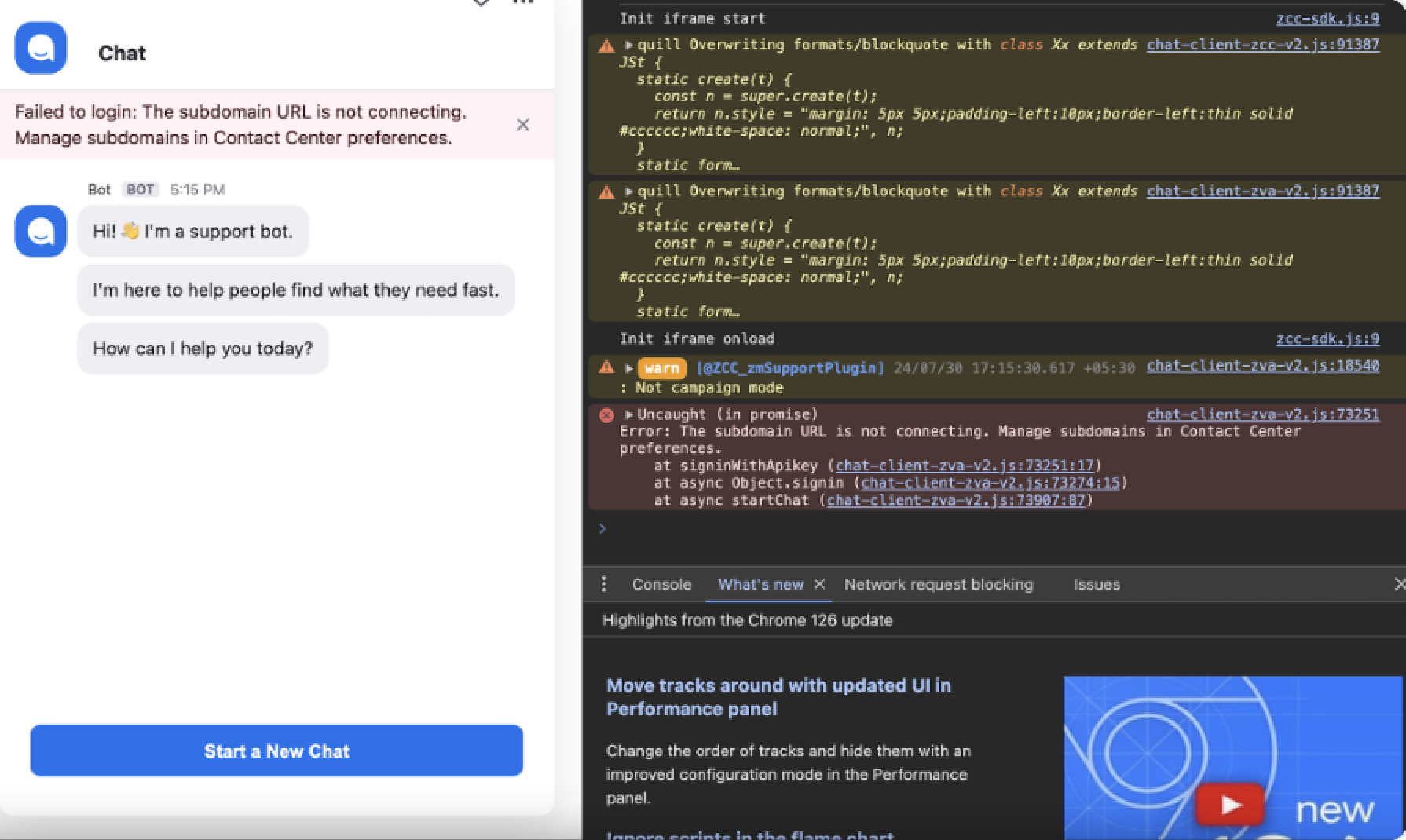
Failed to login: The subdomain URL is not connecting
When the page prompts: Failed to login: The subdomain URL is not connecting, you should add the whitelist for subdomains in Performances. You can also find the subdomain configuration in ZVA Preferences.
When importing with script tag and choosing the third-party website link, the script does not load properly
When you add the defer attribute to the script tag, it triggers a link to open a third-party app when the page loads. As a result, the script's execution cancels. To resolve this issue, remove the defer attribute or change it to the async attribute.