The Realtime Media Streams (RTMS) in-meeting, or in-webinar, experience strives to meet the following objectives.
-
Simple and intuitive user controls
-
RTMS-enabled apps are associated with participants 1:1
-
Role-based access and permission management
-
Clarity and transparency through disclosures
-
Consistent experience if a participant joins through a Zoom client with audio and video, direct dial-in, on a mobile device, or in a Zoom room.
This video walks you through the in-meeting experience of RTMS.
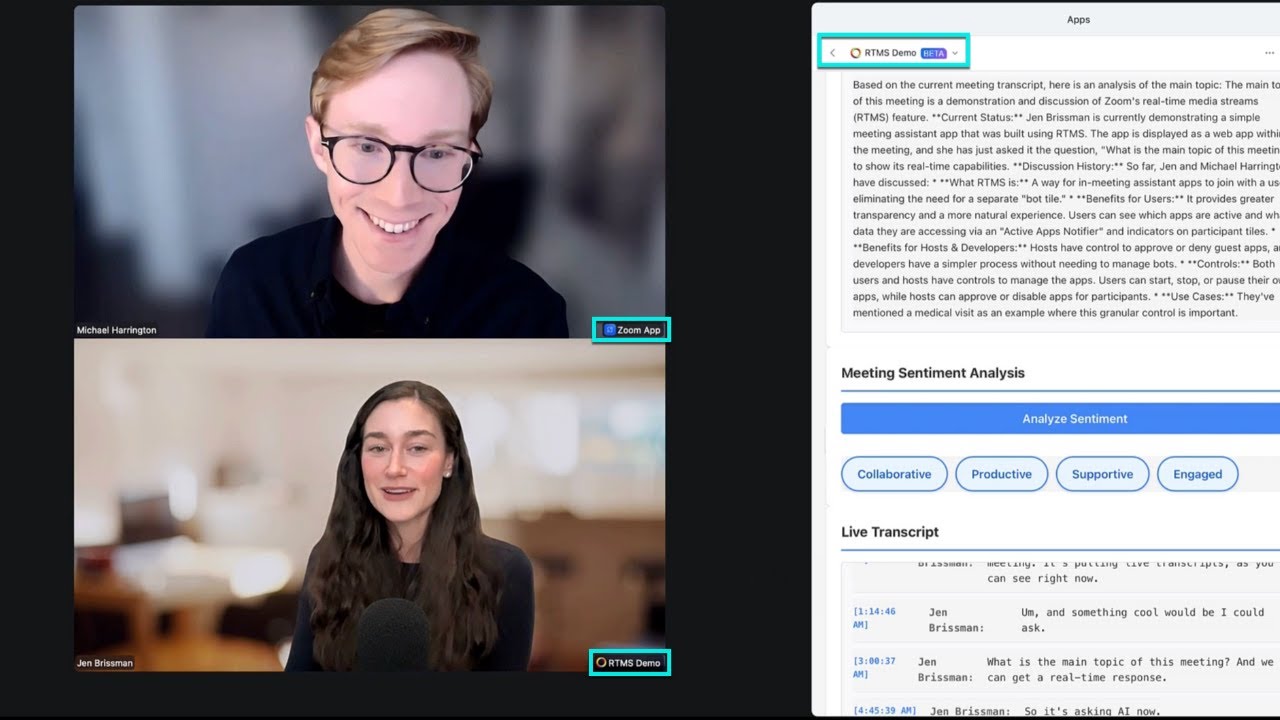
Participant brings an RTMS-enabled app to a meeting or webinar
When a participant brings an RTMS-enabled app to a meeting or webinar, a standard process occurs before the app can access content.
-
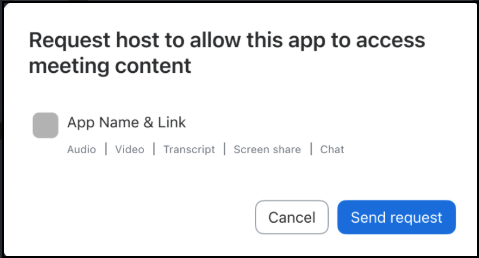
A participant brings an RTMS-enabled app into a meeting or webinar and sends a request to the host to access content.
-
The host reviews requests and can choose to Allow or Deny the app access to content. Selecting the arrow next to Allow also lets the host choose Always allow in my meetings, so the app doesn't need to request approval again in meetings and webinars they host. For more information, see Request modals.
-
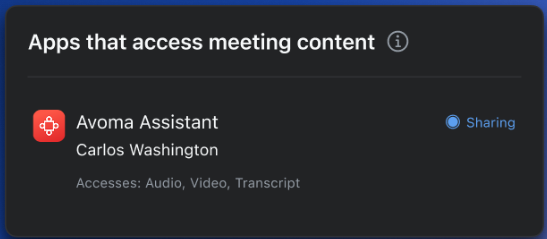
Once an app is approved and running, the Zoom client displays the disclosure to everyone in the meeting or webinar. Everyone can click View apps to view a list of the apps accessing content and each app's Active App Notifier.

Active App Notifier
The Active App Notifier (AAN) provides more information about apps accessing content and their status to the host and participants.
Hosts and participants have different functionality available to them.
- Hosts can respond to requests to allow or deny an app access to content, or always allow it in meetings and webinars they host
- Hosts can set permissions for all RTMS-enabled apps in a meeting or webinar
- If the host allows, participants who have an app can turn their app on and off during the meeting or webinar
- Everyone can click an app to see its details page
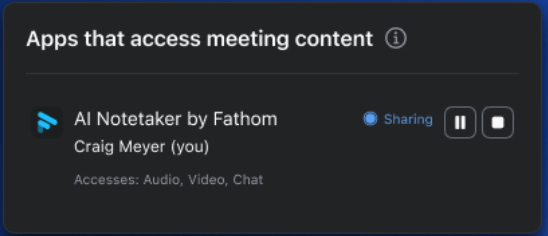
This is the participant AAN view, where the participant, Craig Meyer, is the app user. You can see Craig has the ability to pause or stop the app.
This is the participant AAN view, where the participant, Carlos Washington, is not the app user. Carlos can see the status of the app, but can't control it.