# Overview
> Important
>
> See [UI legal notices](/docs/meeting-sdk/ui-notices/) for Zoom legal notices and how to display them in your app.
## Enable the custom meeting UI
To use your custom meeting UI, enable it before you start or join a meeting.
```objectivec
[[MobileRTC sharedRTC] getMeetingSettings].enableCustomMeeting = YES
```
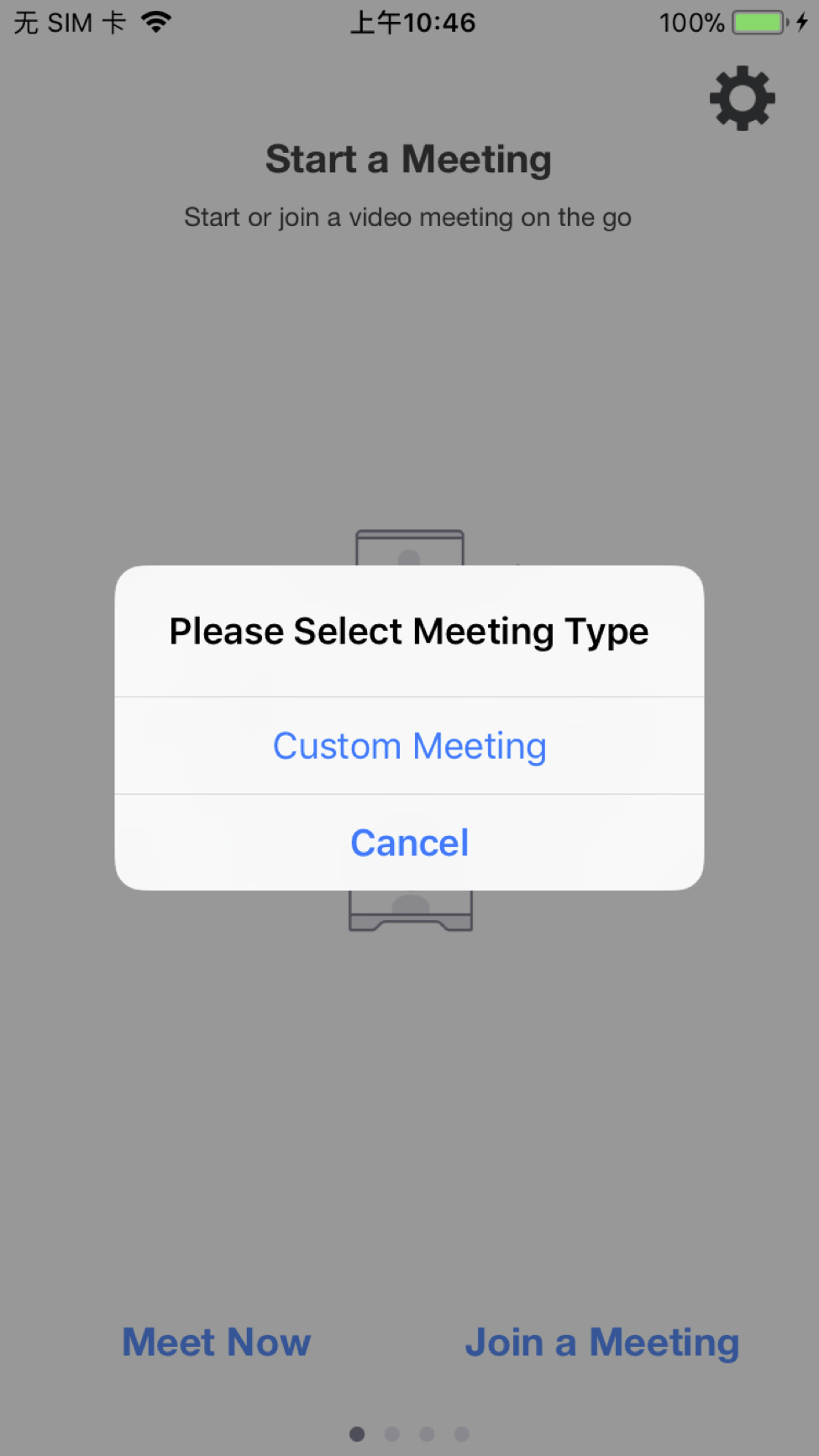
Once the custom meeting UI feature is enabled, then starting or joining
a meeting is the same:
### Start a meeting
```objectivec
{
#if 0
//customize meeting title
[ms customizeMeetingTitle:@"Sample Meeting Title"];
#endif
}
//Start a meeting
MobileRTCMeetingStartParam * param = nil;
// Check whether the user is logged in
if ([[[MobileRTC sharedRTC] getAuthService] isLoggedIn]) {
MobileRTCMeetingStartParam4LoginlUser * user = [[[MobileRTCMeetingStartParam4LoginlUser alloc]init]autorelease];
param = user;
param.meetingNumber = kSDKMeetNumber; // if kSDKMeetNumber is empty, it's a instant meeting.
param.isAppShare = appShare;
}
else
{
//Sample: How to Get Token or ZAK via RestAPI
NSString * token = [self requestTokenOrZAKWithType:MobileRTCSampleTokenType_Token];
NSString * ZAK = [self requestTokenOrZAKWithType:MobileRTCSampleTokenType_ZAK];
MobileRTCMeetingStartParam4WithoutLoginUser * user = [[[MobileRTCMeetingStartParam4WithoutLoginUser alloc]init] autorelease];
user.userType = MobileRTCUserType_APIUser;
user.meetingNumber = kSDKMeetNumber;
user.userName = kSDKUserName;
user.userToken = token;
user.userID = kSDKUserID;
user.isAppShare = appShare;
user.zak = ZAK;
param = user;
}
MobileRTCMeetError ret = [ms startMeetingWithStartParam:param];
return;
```
### Join a meeting
```objectivec
MobileRTCMeetingService *ms = [[MobileRTC sharedRTC] getMeetingService];
if (ms)
{
#if 0
//customize meeting title
[ms customizeMeetingTitle:@"Sample Meeting Title"];
#endif
ms.delegate = self;
//For Join a meeting with password
NSDictionary *paramDict = @{
kMeetingParam_Username:kSDKUserName,
kMeetingParam_MeetingNumber:meetingNo,
kMeetingParam_MeetingPassword:pwd,
//kMeetingParam_ParticipantID:kParticipantID,
//kMeetingParam_WebinarToken:kWebinarToken,
//kMeetingParam_NoAudio:@(YES),
//kMeetingParam_NoVideo:@(YES),
};
// //For Join a meeting
// NSDictionary *paramDict = @{
// kMeetingParam_Username:kSDKUserName,
// kMeetingParam_MeetingNumber:meetingNo,
// kMeetingParam_MeetingPassword:pwd,
// };
MobileRTCMeetError ret = [ms joinMeetingWithDictionary:paramDict];
NSLog(@"onJoinaMeeting ret:%d", ret);
}
```
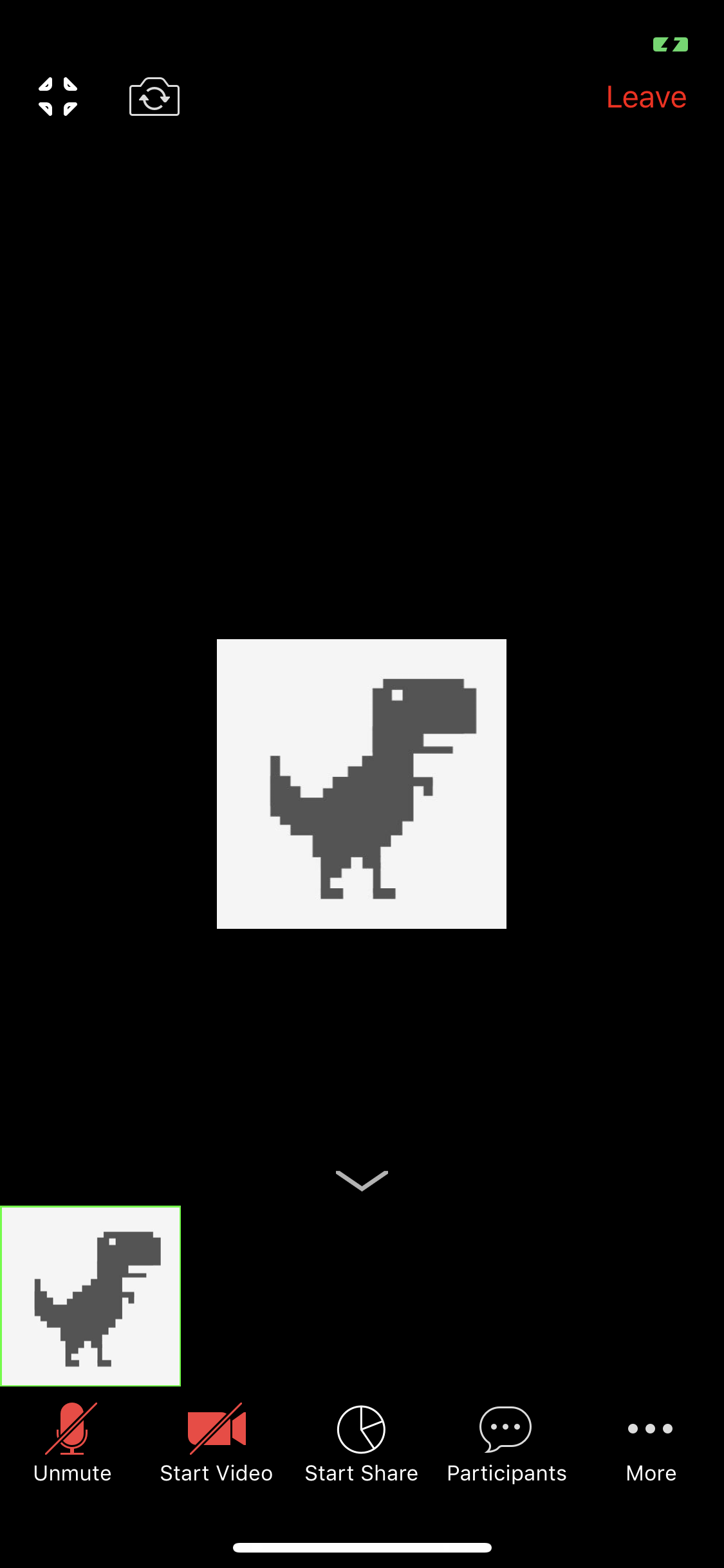
## Create a custom meeting UI
## Assign customized UI meeting delegate
To implement a custom meeting UI, firstly assign
`MobileRTCCustomizedUIMeetingDelegate` to your
`StartJoinMeetingPresenter` (Meeting View).
```objectivec
#import "SDKStartJoinMeetingPresenter.h"
@interface SDKStartJoinMeetingPresenter (CustomizedUIMeetingDelegate)
@end
```
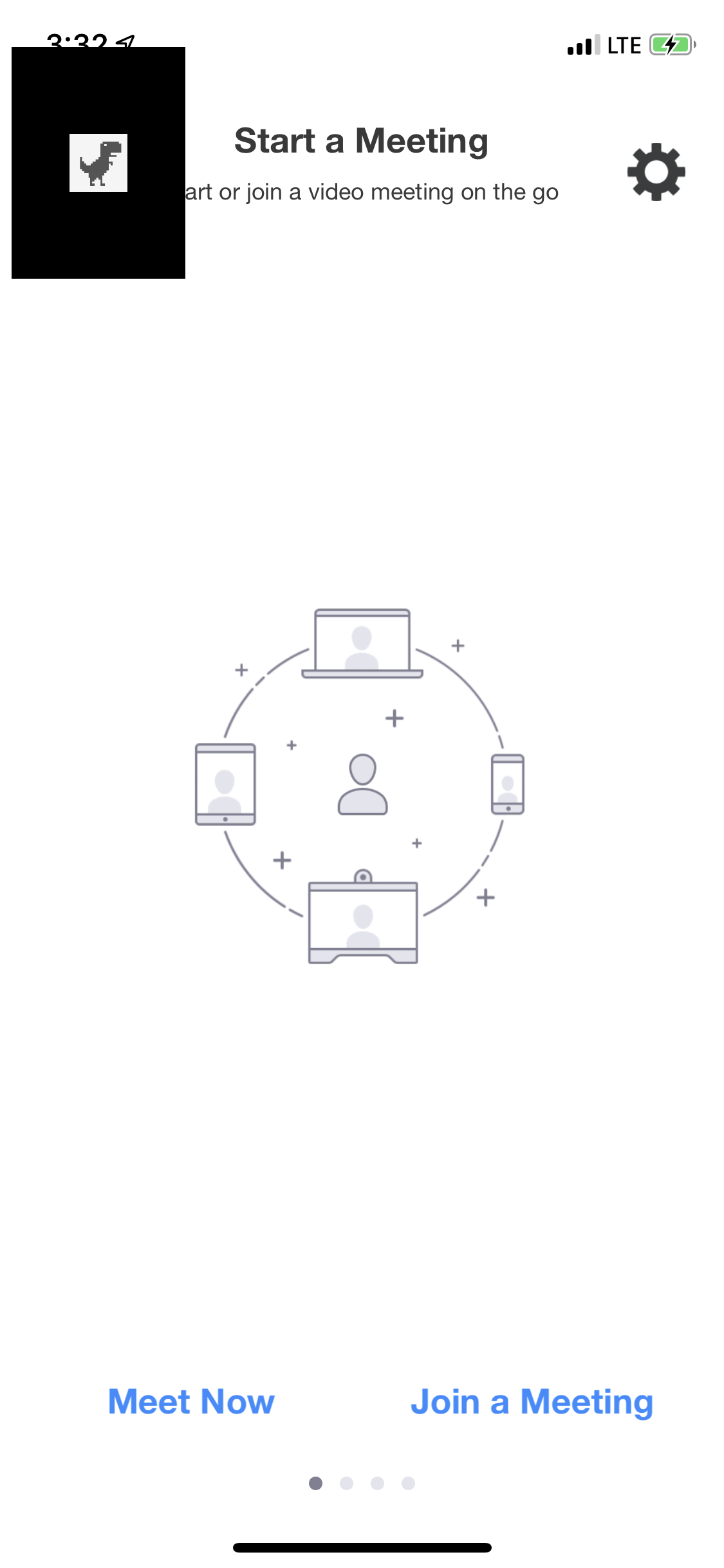
Then, in your `StartJoinMeetingPresenter.m` file, implement these two functions.
```objectivec
@implementation SDKStartJoinMeetingPresenter (CustomizedUIMeetingDelegate)
- (void)onInitMeetingView
{
// Create & Present View Controller
NSLog(@"onInitMeetingView....");
CustomMeetingViewController *vc = [[CustomMeetingViewController alloc] init];
self.customMeetingVC = vc;
[vc release];
[self.rootVC addChildViewController:self.customMeetingVC];
[self.rootVC.view addSubview:self.customMeetingVC.view];
[self.customMeetingVC didMoveToParentViewController:self.rootVC];
self.customMeetingVC.view.frame = self.rootVC.view.bounds;
...
}
- (void)onDestroyMeetingView
{
// Remove & Dismiss View Controller
NSLog(@"onDestroyMeetingView....");
NSLog(@"onDestroyMeetingView....");
[self.customMeetingVC willMoveToParentViewController:nil];
[self.customMeetingVC.view removeFromSuperview];
[self.customMeetingVC removeFromParentViewController];
self.customMeetingVC = nil;
...
}
```