# Customize the waiting room
> The code on this page works with either the **default UI** or the **custom UI**.
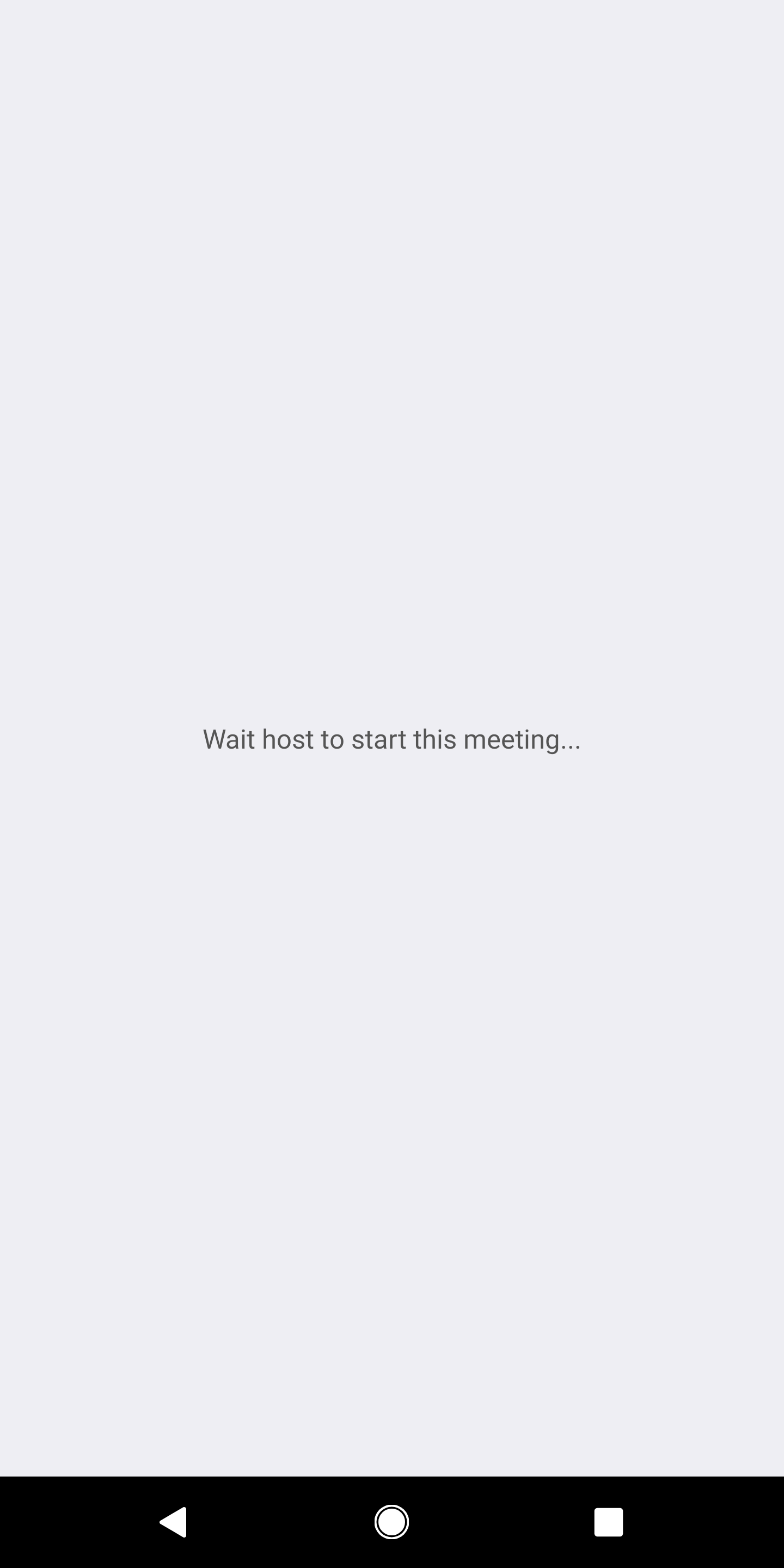
## Customize the waiting room
For some meetings that do not allow "Join Before Host", participants are put into a waiting room until the host starts the
meeting. You might want to decorate this waiting room and make your guests feel comfortable. You can customize the waiting room text, or insert a custom image.
First, define an activity with a **intent-filter** like this.
```xml
```
The action name `` should be **your application package name** (For example, the demo application package name is: `us.zoom.sdkexample`) concatenates with `intent.action.JoinBeforeHost`.
Retrieve the meeting topic, meeting number, meeting time, and meeting type from the **intent** arguments.
```java
Intent intent = getIntent();
Uri uri = intent.getData();
String topic = intent.getStringExtra(AndroidAppUtil.EXTRA_TOPIC);
long meetingId = intent.getLongExtra(AndroidAppUtil.EXTRA_MEETING_ID, 0);
```
## Hide the waiting view
When the meeting is ready to be joined, you might want to hide the
waiting view to get into the meeting. To do that:
1. Override the `onMeetingStatusChanged` function and observe the `meetingStatus`.
```java
@Override
public void onMeetingStatusChanged(MeetingStatus meetingStatus, int errorCode, int internalErrorCode) {
if (meetingStatus == MeetingStatus.MEETING_STATUS_WAITINGFORHOST) {
// Show join before host view
} else {
// Hide join before host view
}
}
```
2. If `meetingStatus` changes to other status than `MeetingStatus.MEETING_STATUS_WAITINGFORHOST`, hide your "Join before host" view and enjoy the meeting.
---