Migration guide
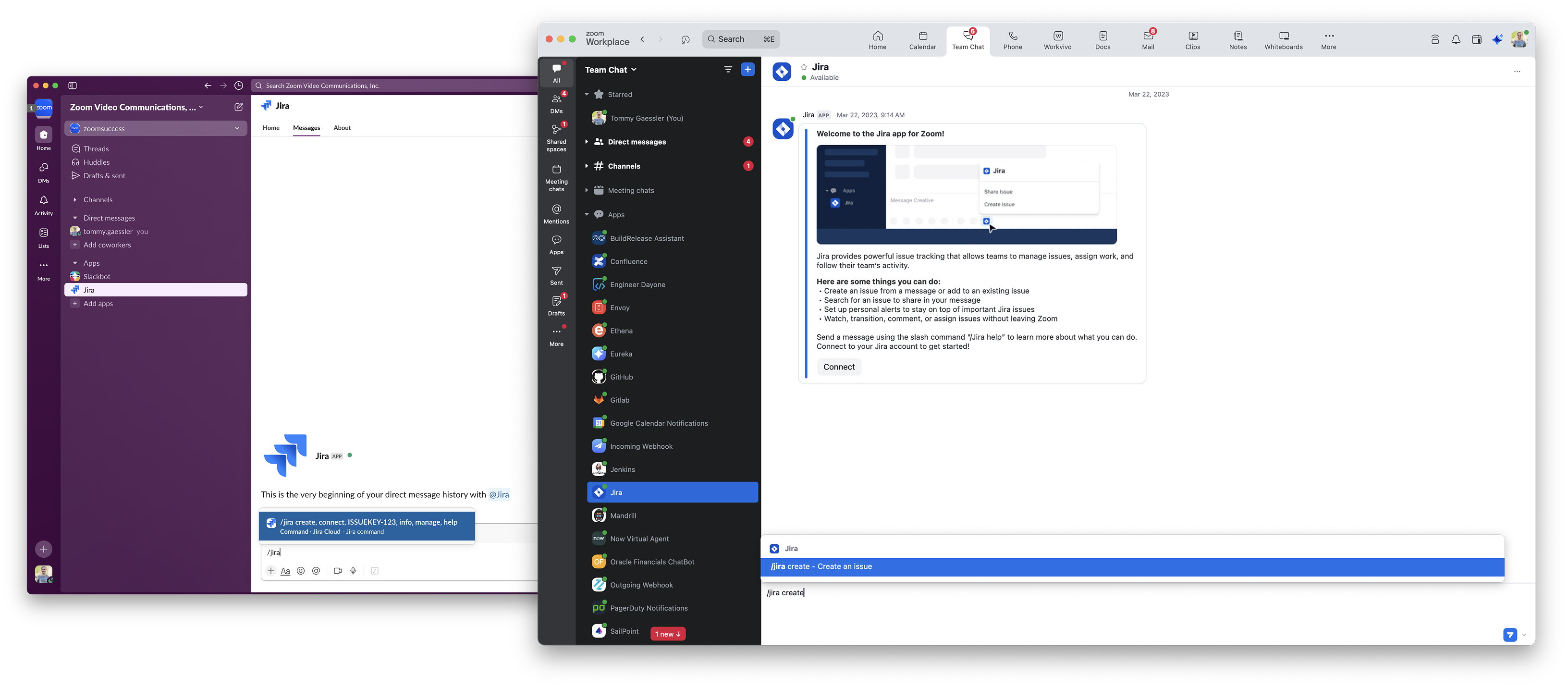
Zoom Chat offers similar APIs, webhooks, and developer tools as Slack, including incoming webhooks, a Chatbot card designer, and an extensive API library and webhook server.
Migration steps
This migration guide covers migrating your existing Slackbot or Slack integration to Zoom Chat.
- Migrate your Slack data (like users, channels, and messages) to Zoom Chat.
- Get your developer credentials and authorize your application.
- Update your token workflows.
- Update your Slack block formatting to use Zoom Chat message cards.
- Update your Chatbot APIs for things like Sending, editing, and deleting Chatbot messages.
- Update your Chatbot webhook server for things like Slash commands and UI Elements, or for Incoming Webhooks messages from other applications.
- Update any additional Slack APIs or webhooks you are using to the Zoom equivalent.
- If you want your app to be available to users outside your company or personal Zoom account, publish it to the Zoom App Marketplace.
Notes
- If you are using Slack Bolt or Slack SDK, we suggest migrating to Zoom Rivet directly.
- If you are using Slack App Surfaces, we suggest migrating to Zoom Apps SDK directly.
- For building a new chatbot or integration for Zoom Chat, you can start here or use Zoom Rivet.