How to fix hanging behavior of the Meeting SDK Electron sample app
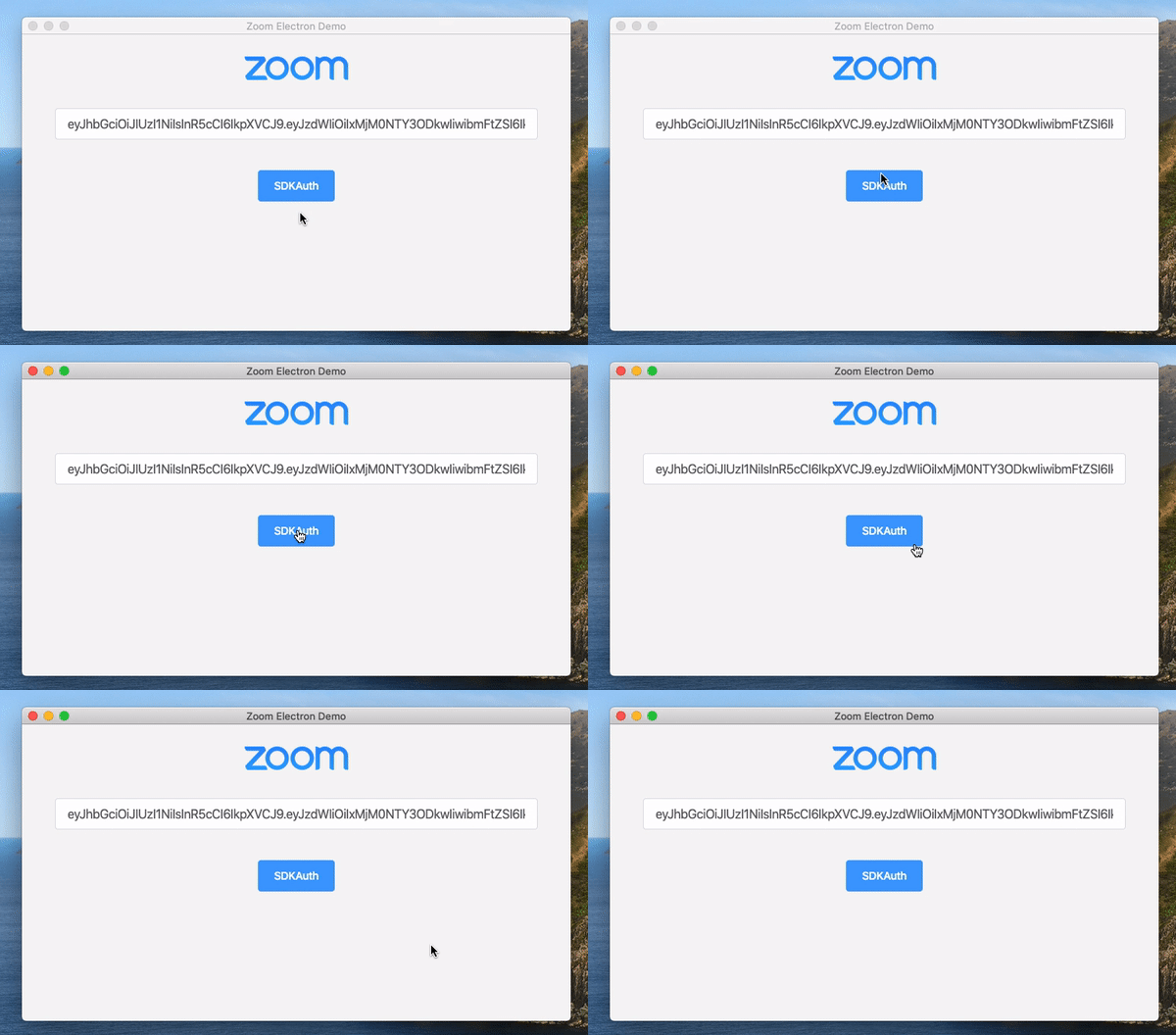
Sometimes the demo app appears to be working correctly but then freezes, quits, or hangs after pressing the SDKAuth button. Here are some things to check if this is happening to you.
1. Verify your JWT is valid
Although the JWT payload syntax may be acceptable, many small typos can cause the JWT to become invalid and cause the demo app to fail.
Verify your JWT payload matches the one here
Also, verify you have used your SDK key and secret to generate the JWT and not your API key and secret.
2. Check that the Node version is correct
As of version 5.4.54802.0124, the demo app must be run on node version v12.16.1.
You can check your version with node -v
3. Check that the Electron version is correct
As of version 5.4.54802.0124, the demo app must be run on node version v8.2.4.
You can check your version with electron -v
4. Check that you have not run build node addon script
You only need to run the build node addon scripts if you are building your own Electron SDK app. If you ran these scripts already, please delete the root folder and re-download it.
5. Check that you have installed the necessary dependencies
Windows
- Run `npm install node-gyp -g` to install node-gyp
- Run `npm install bindings -g` to install bindings
- Make sure you installed msvc-2019 and python 2.7 `npm config set msvs_version 2019` `npm config set python python2.7` `npm config set npm_config_arch ia32` `npm config set npm_config_target_arch ia32`
Mac
- Run `npm install node-gyp -g` to install node-gyp
- Run `npm install bindings -g` to install bindings