How to customize the Meeting SDK for web
Currently the Meeting SDK for web has limited customization options. Some buttons and functionality can be customized, but the SDK is not intended to be used to completely customize the Meeting infterface.
Use the Meeting SDK for web reference for a full list of which buttons and functions are customizable.
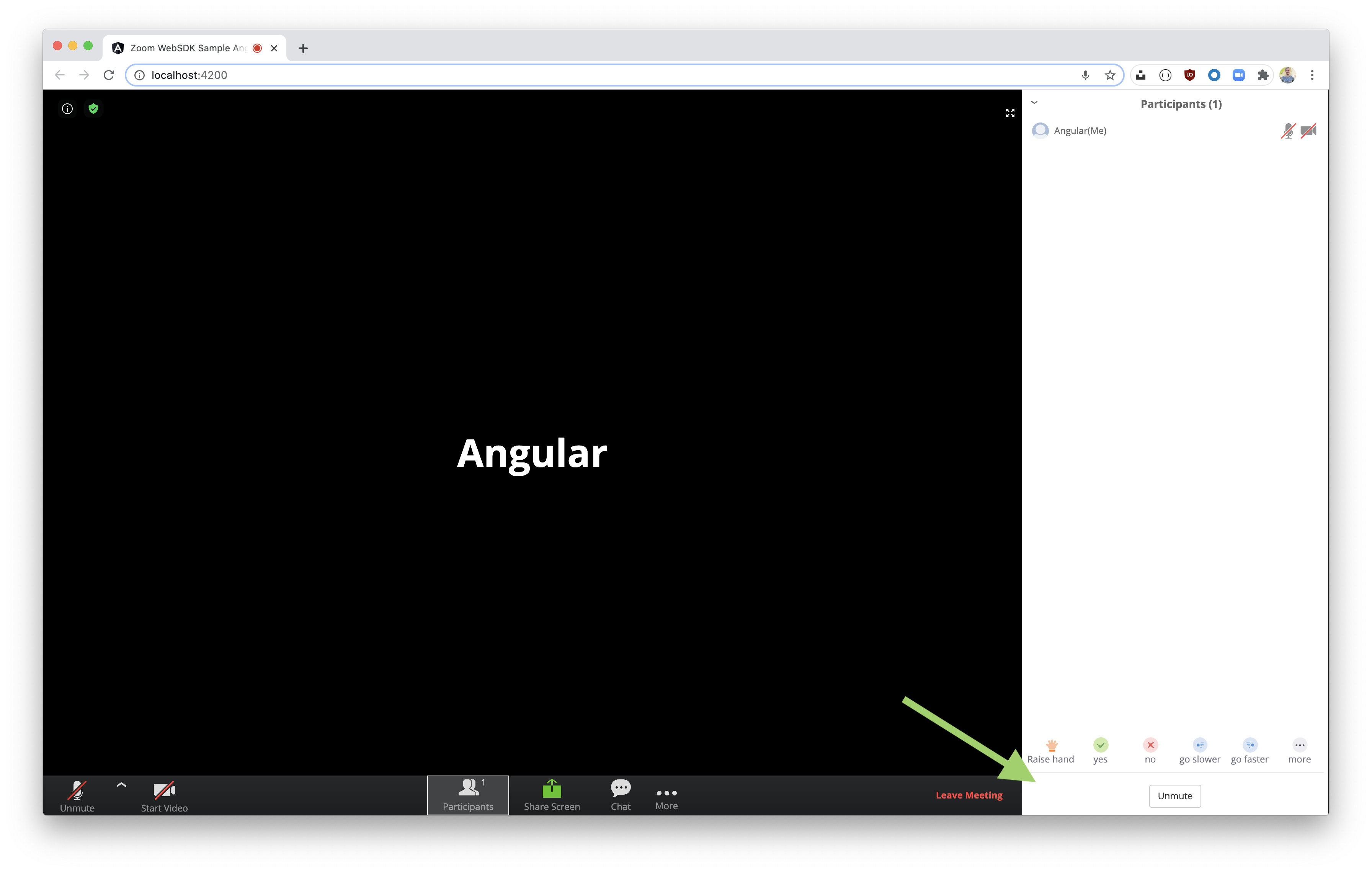
For example, to hide the invite button, add the following code inside of the ZoomMtg.join success callback:
ZoomMtg.showInviteFunction({ show: false });
Example:
ZoomMtg.join({
    signature: signature,
    meetingNumber: this.meetingNumber,
    userName: this.userName,
    sdkKey: this.sdkKey,
    userEmail: this.userEmail,
    passWord: this.passWord,
    success: (success) => {
        console.log(success);
        ZoomMtg.showInviteFunction({ show: false });
    },
    error: (error) => {
        console.log(error);
    },
});
Before:

After:
To completely customize the entire user experience, and utilize Zooms video and audio streaming infrastructure, use the Video SDK.